
1 event
199 zł
One celebration, full feature set.
- Event page with a template
- Guest link and QR card
- Photos on your Google Drive
- No login required for guests
Weddings, birthdays, and every occasion: guest photos in one place. Fast, private, and no login on their side.
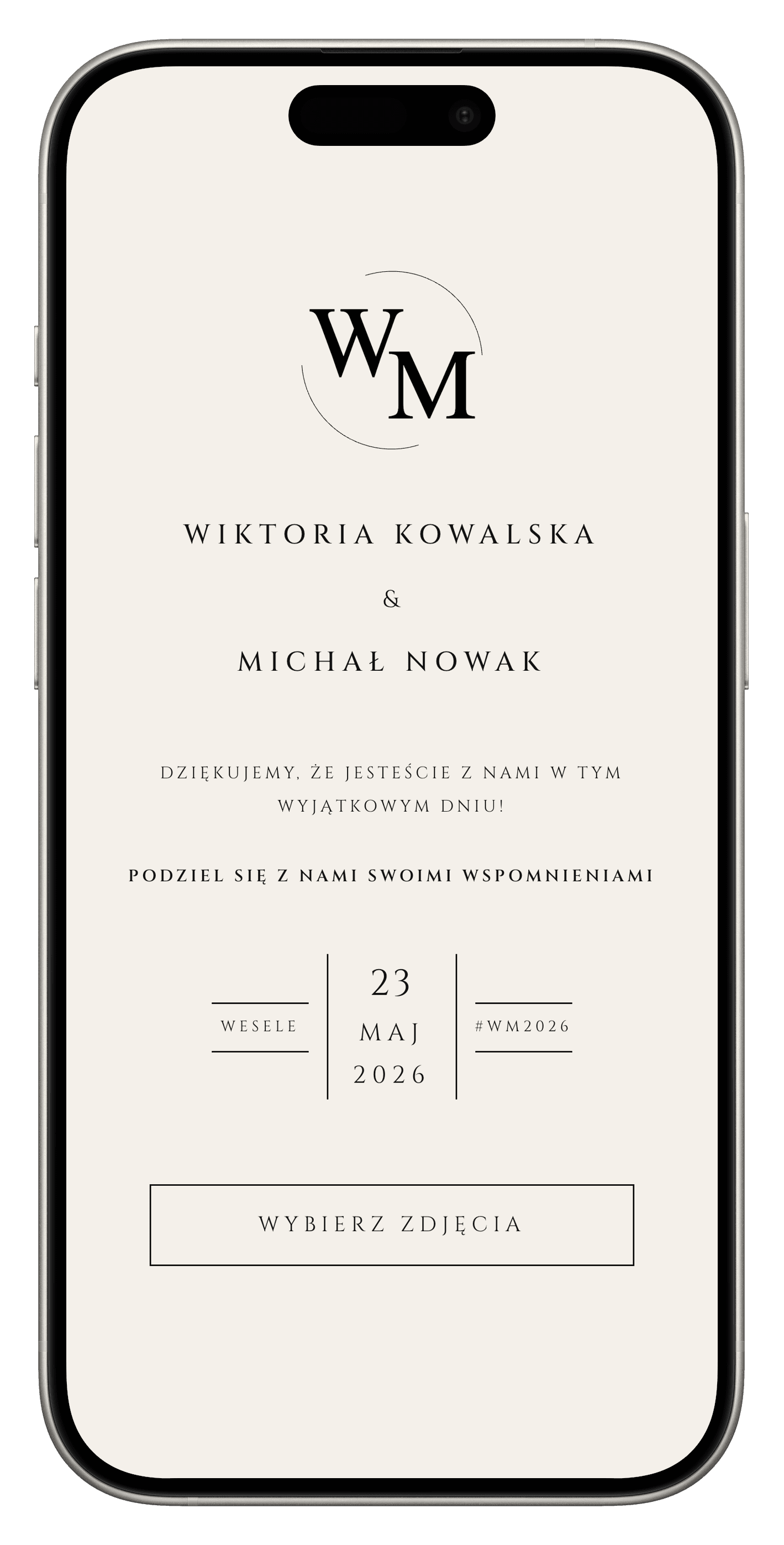
Four simple steps from your organizer account to guest photos on Drive.
Sign in with Google to open your organizer dashboard.
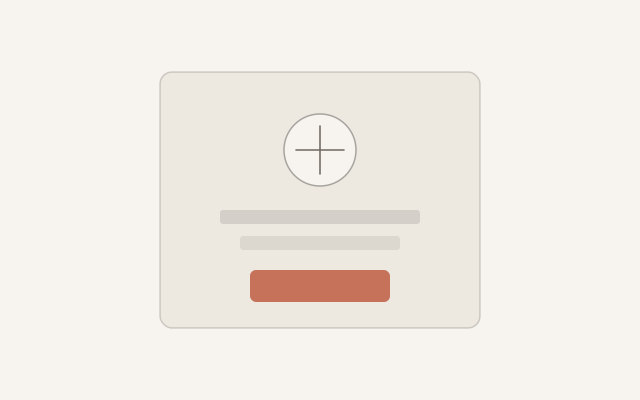
Choose a Google Drive folder, pick the event type, and use ready-made page templates, or adjust colors and logo yourself.
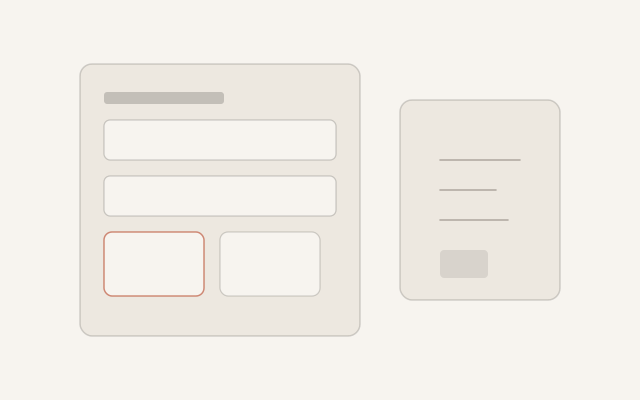
Design a print card in your event page style, complete with QR, and place it on tables. You can also send guests the link directly.
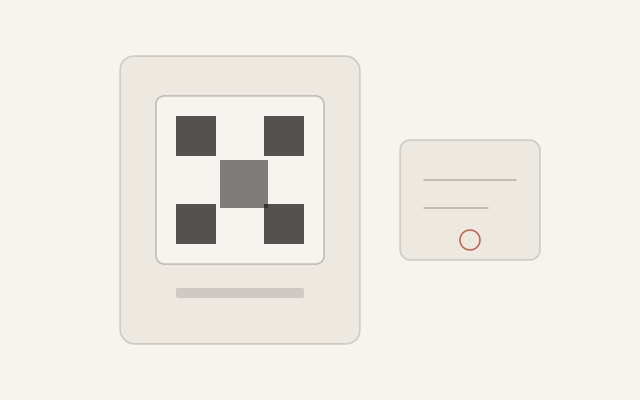
Guests upload from their gallery or camera, with no sign-in. Photos land straight in your Google Drive folder.
Four things you set up before the event, without a cluttered dashboard.
Lorem ipsum dolor sit amet, consectetur adipiscing elit. Sed do eiusmod tempor incididunt.
Ut enim ad minim veniam, quis nostrud exercitation ullamco laboris nisi ut aliquip.
Duis aute irure dolor in reprehenderit in voluptate velit esse cillum dolore eu fugiat.
Excepteur sint occaecat cupidatat non proident, sunt in culpa qui officia deserunt.
A few things people ask before the party — placeholders for now.
Lorem ipsum dolor sit amet, consectetur adipiscing elit. Sed do eiusmod tempor incididunt ut labore et dolore magna aliqua. Ut enim ad minim veniam, quis nostrud exercitation.
Simple packages for your events, no hidden fees.
199 zł
One celebration, full feature set.
Most popular
499 zł
Three events at a better per-event price.
Set up an event, share the link. Guests add photos, you keep them on Drive.
No accounts or apps for your guests.
Get started